Minerva · Staff Manual
Communicate
Reach students, parents, and staff: notices, email, SMS, WhatsApp — with templates, scheduling, and delivery logs.
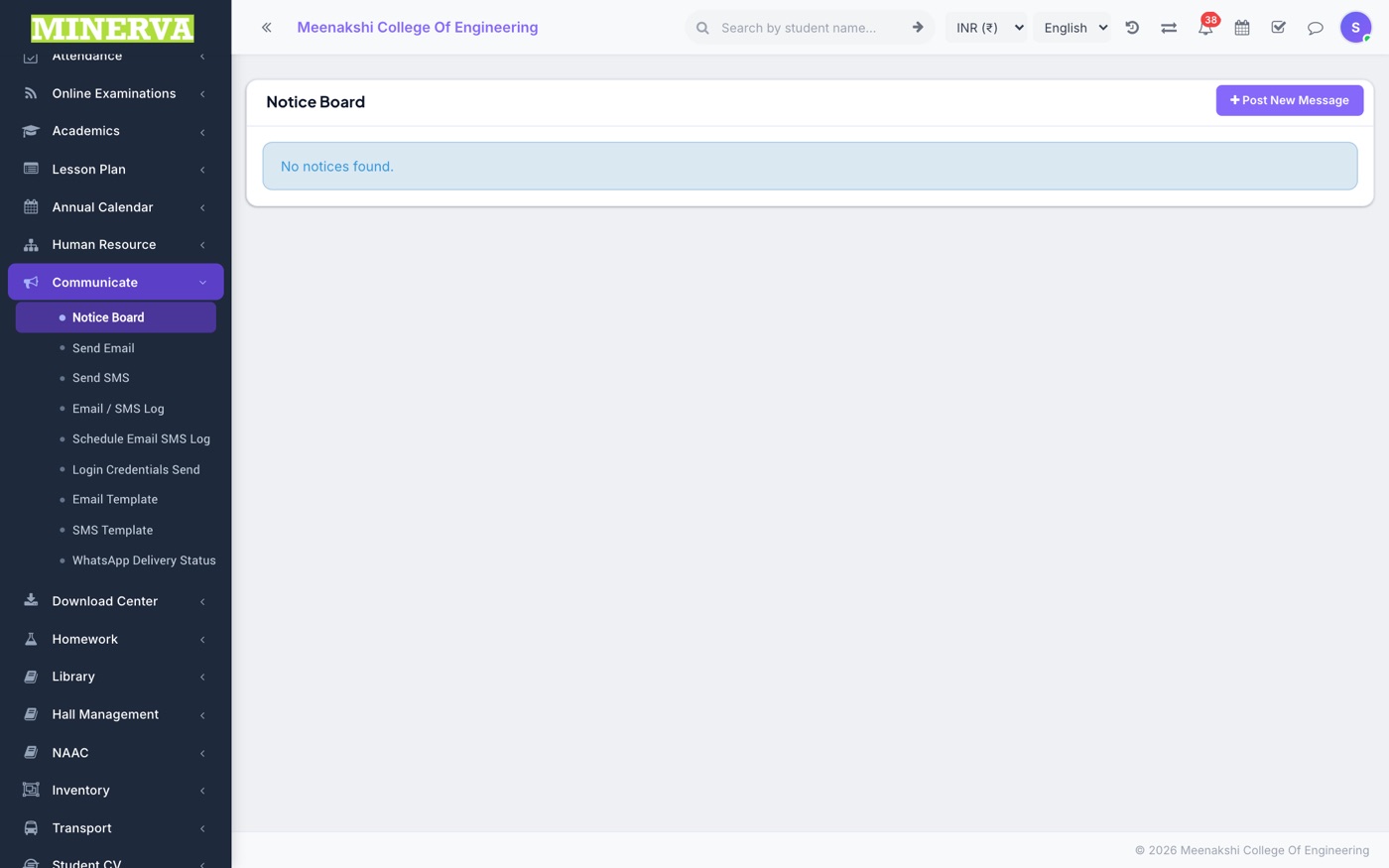
Notice Board
Publish notices to selected audiences (students/parents/staff, by class or role).
- Press + Add, write the notice, pick audiences and publish/expiry dates, attach a file if needed.
- Recipients see it on their dashboard and get an unread badge.
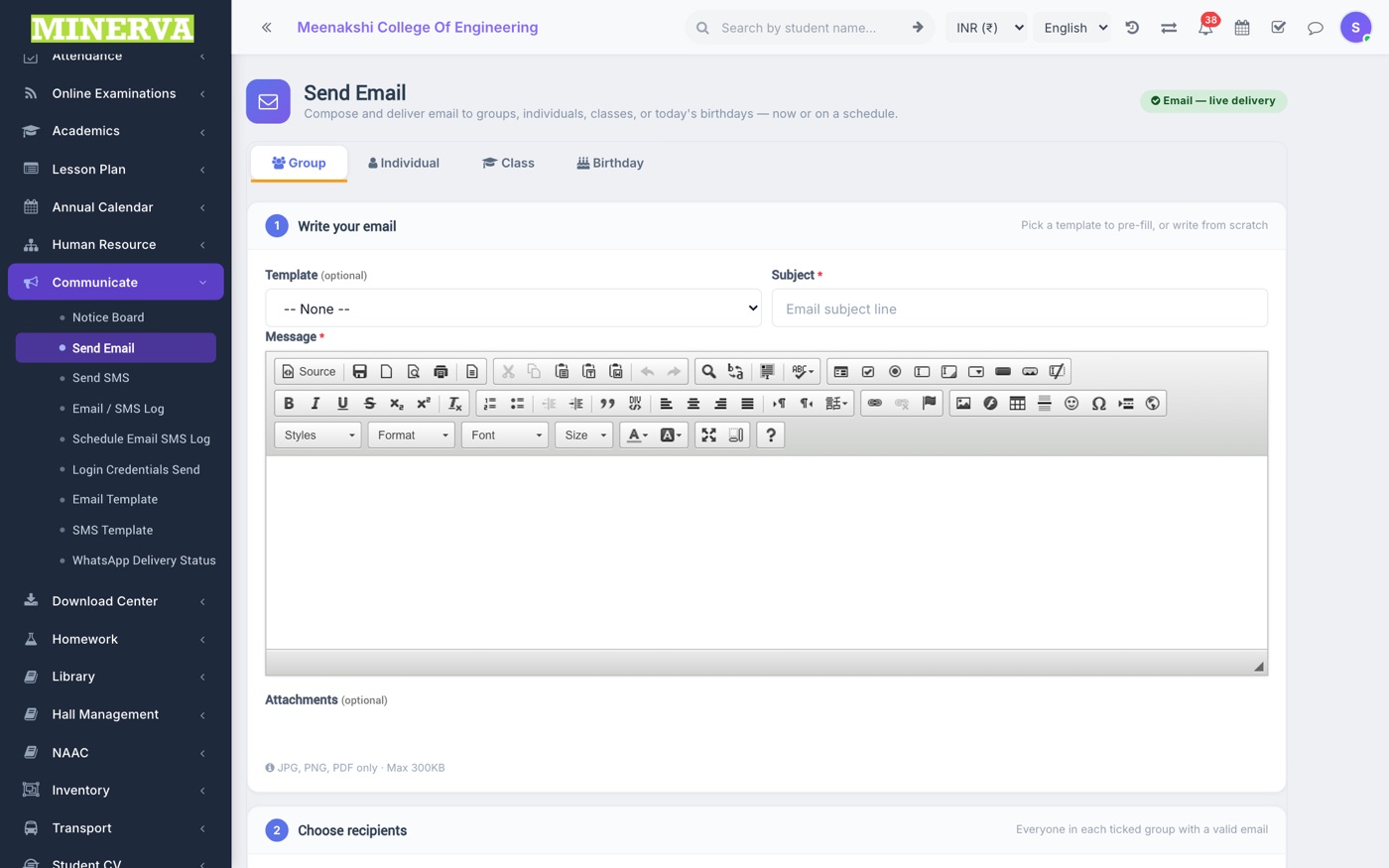
Send Email / SMS
Compose to classes, individuals, or groups — pick a template or write fresh; schedule for later if needed.
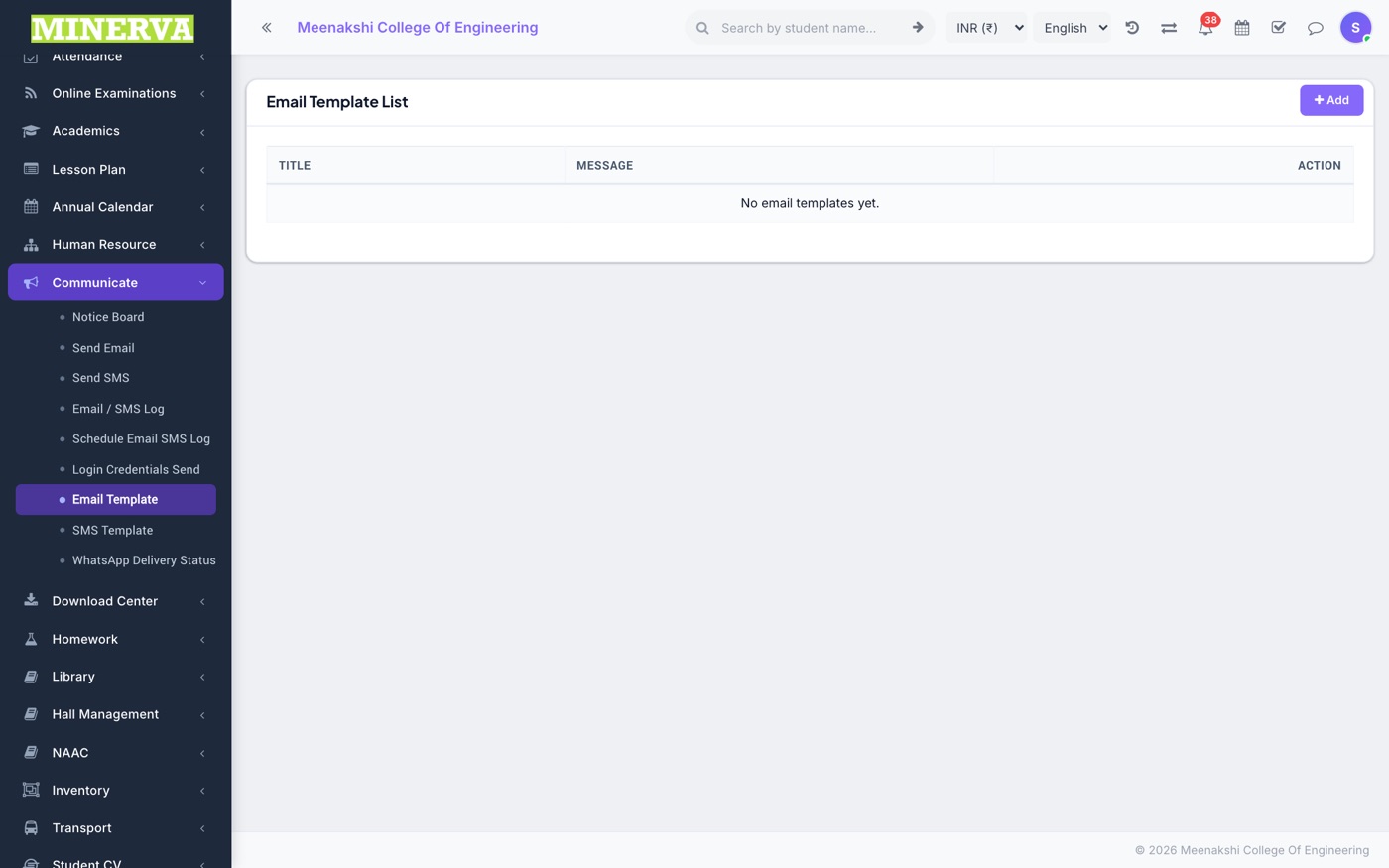
Email / SMS Templates
Reusable message templates with placeholders (name, class, due amount…).
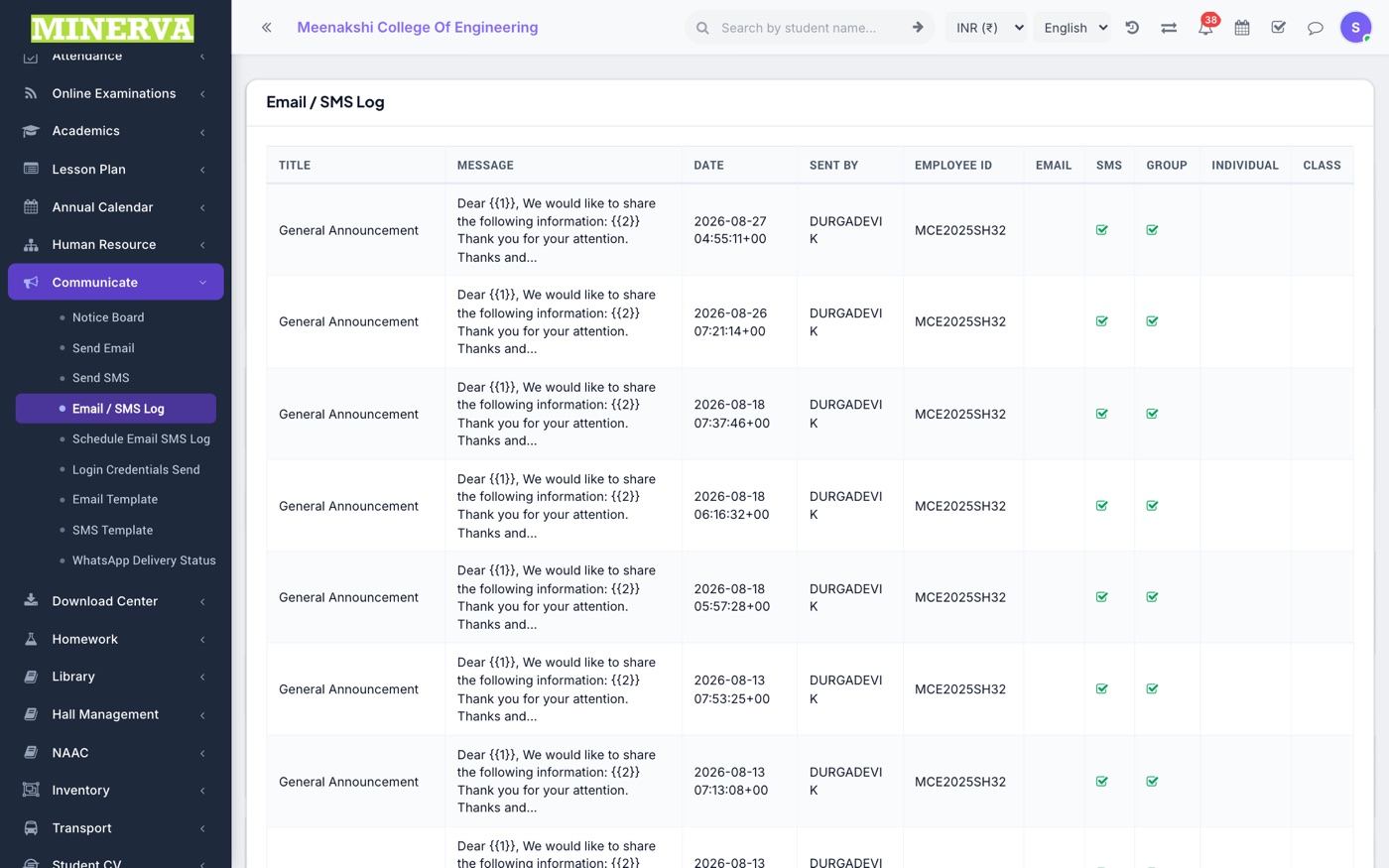
Logs & WhatsApp Delivery
Every sent/scheduled message with its status; WhatsApp Delivery Status tracks sent → delivered → read per recipient with error reasons.
Login Credentials Send
Bulk-send portal/app login credentials to students or parents for a class.
