Minerva · Staff Manual
Fees Collection
The complete fee lifecycle: define fee structures (type → group → master), assign them to students, collect payments online or offline, discount, refund, carry forward, and remind.
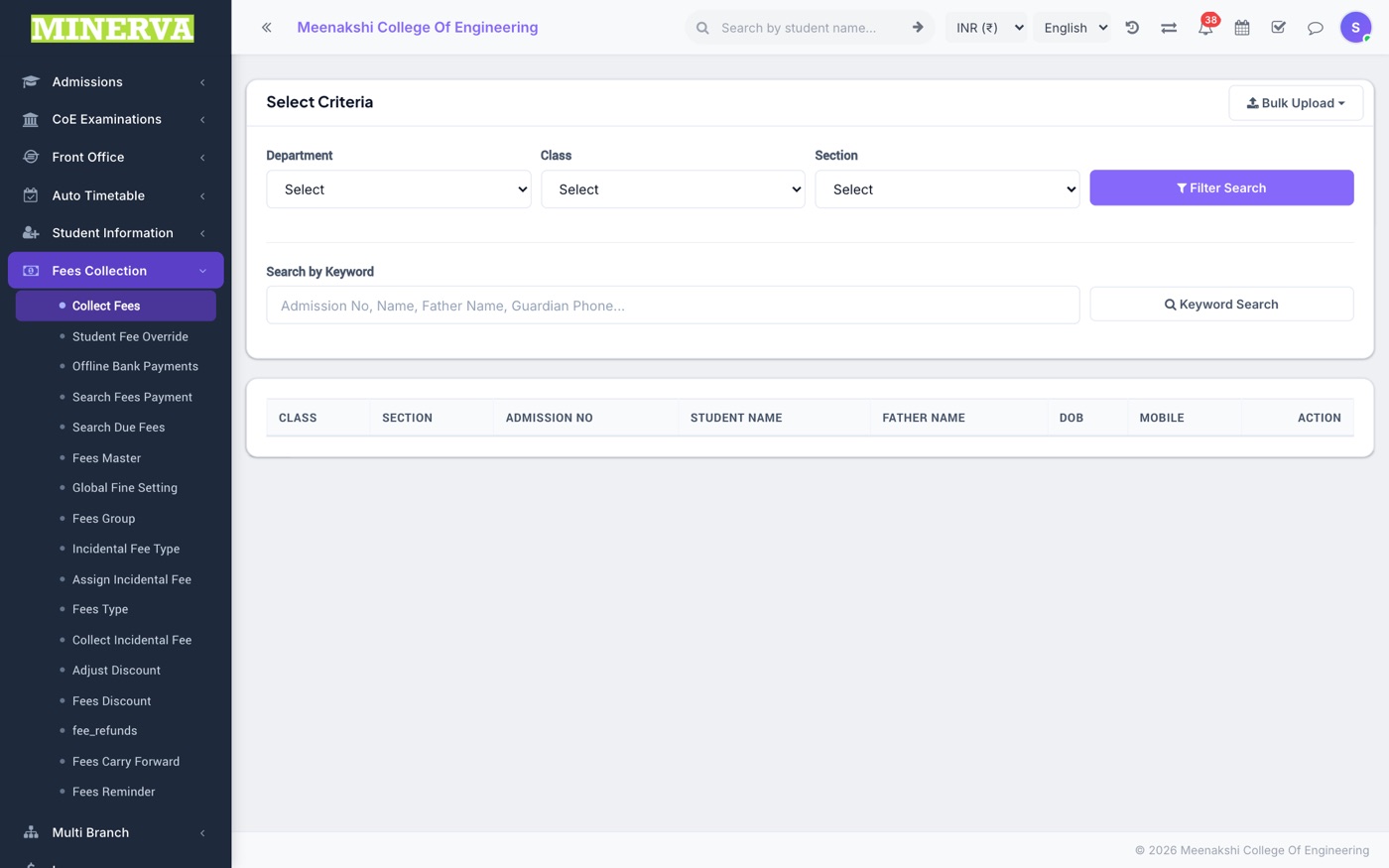
Collect Fees
The daily counter screen — search a student and collect any pending fee.
- Search by class/section or name, then click the student.
- The fee statement lists every fee with paid/balance amounts.
- Press Collect (or +) on a fee row, enter amount/mode/date, apply a discount or fine if due, and save — the receipt prints instantly.
Fees Master
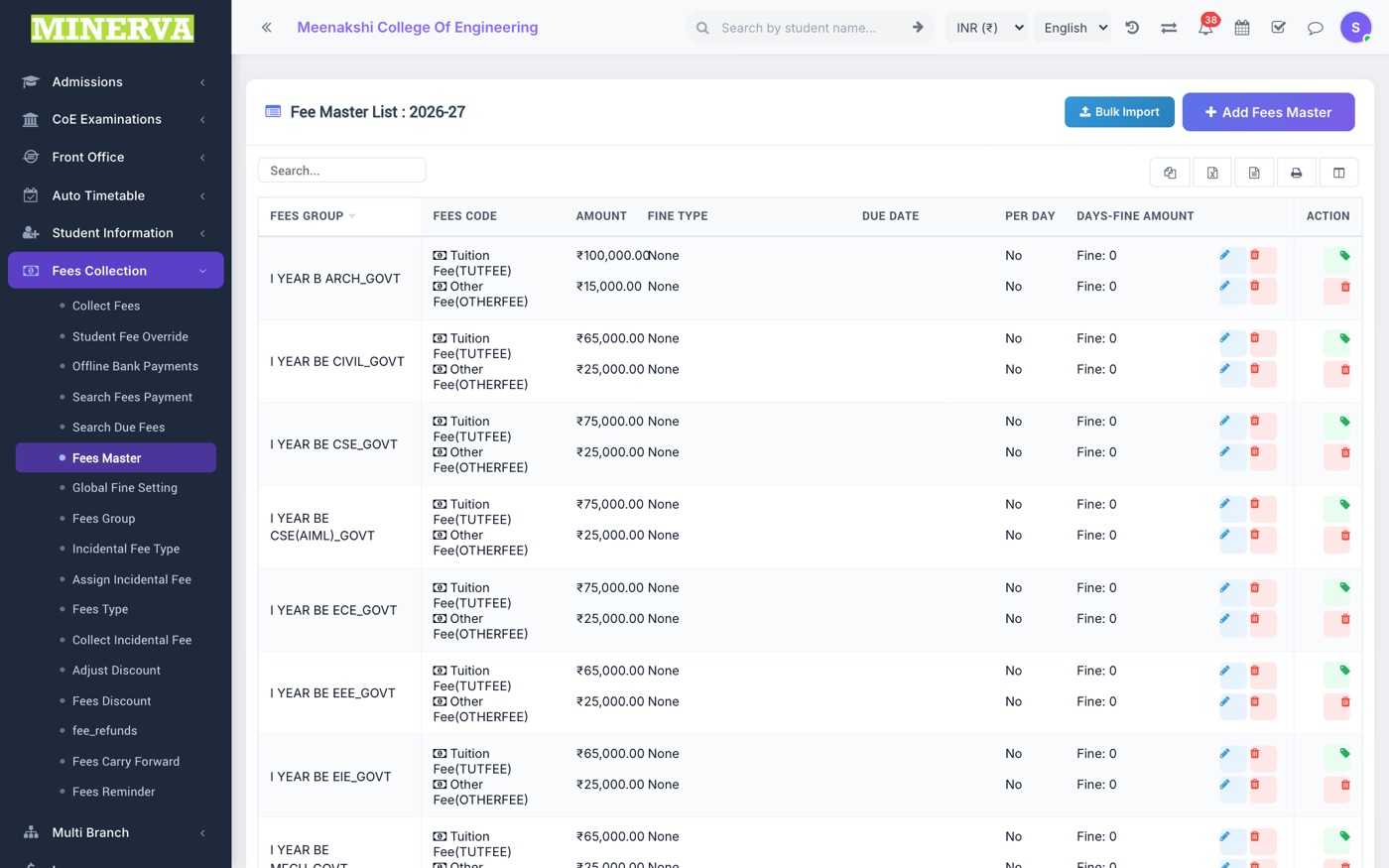
Where fee amounts are set per class for the session, combining a Fees Group with Fees Types and amounts + due dates.
- First create Fees Types (e.g. Tuition Fee) and a Fees Group (e.g. Class 1 - General).
- In Fees Master, press + Add: choose group, type, due date, amount, and fine rule.
- Assign the group to students (from the student's Fee tab or in bulk) — their fee statement updates immediately.
- Edit or delete a master row with the row's action icons — deletion is blocked once payments exist.
Search Fees Payment & Due Fees
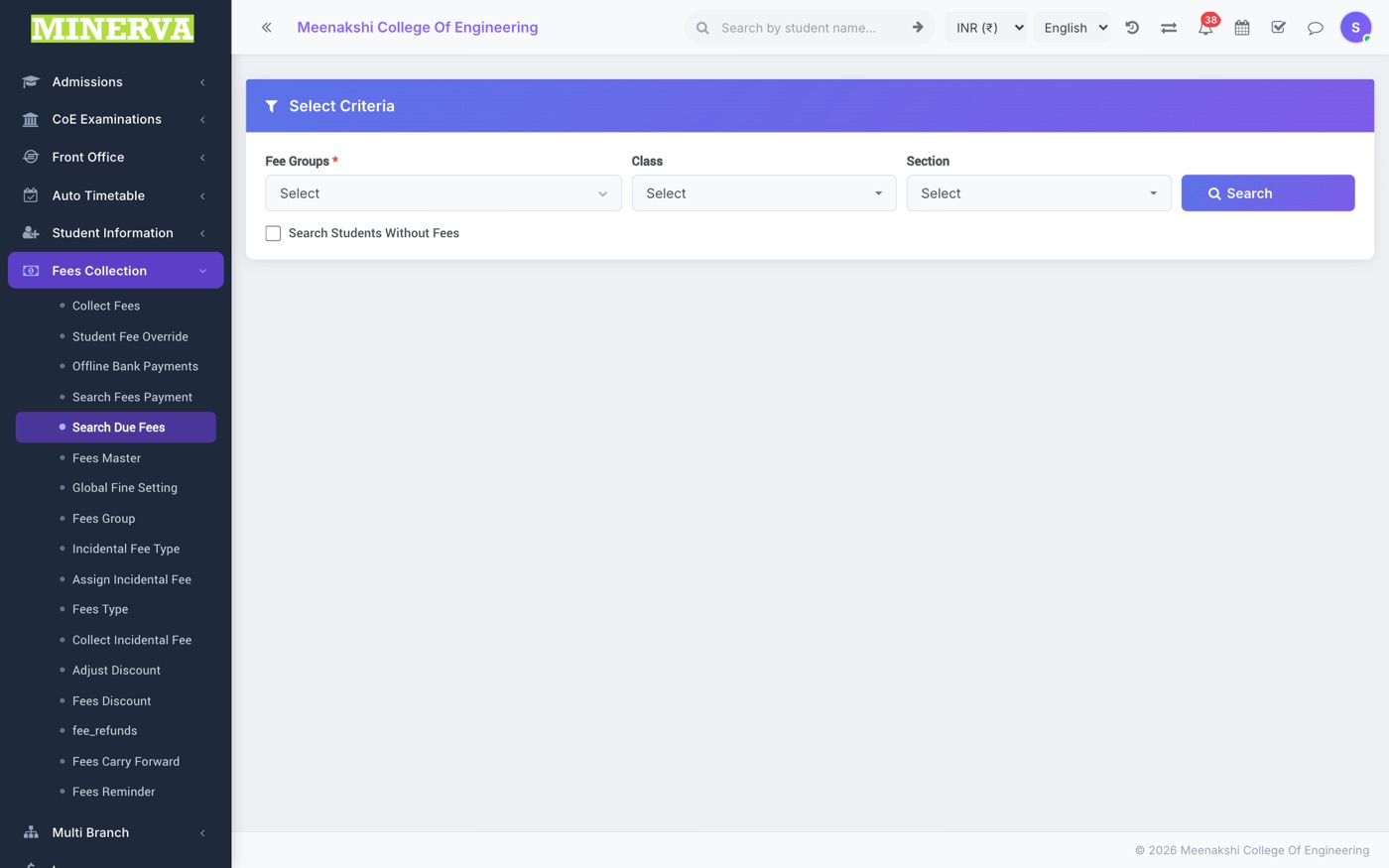
Two lookup screens: find a payment by receipt/payment ID, or list every student with dues for a class/section — with WhatsApp/SMS reminder shortcuts.
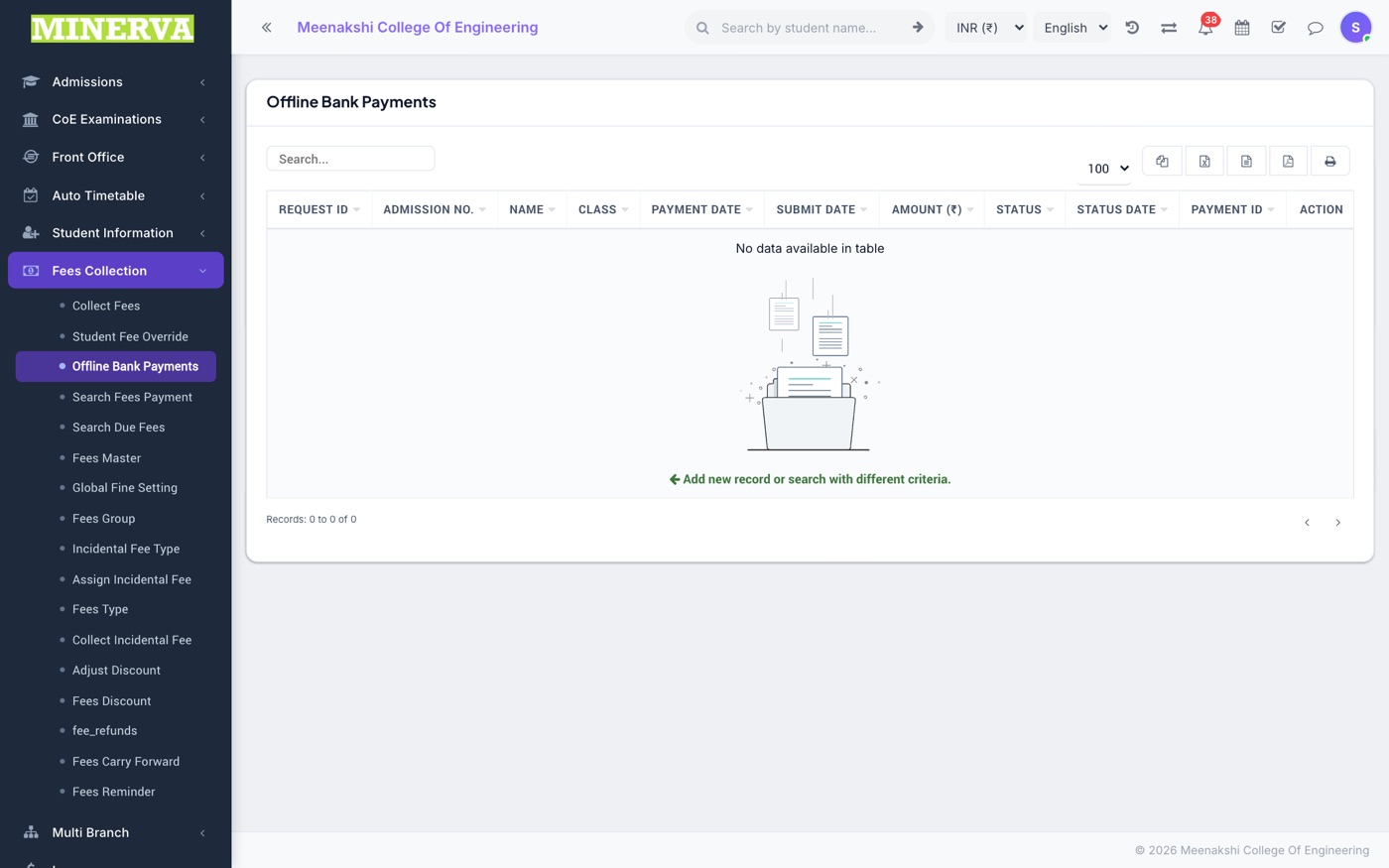
Offline Bank Payments
Bank-transfer submissions made by students/parents from the portal or app, waiting for approval.
- Open a pending row to view the reference number and attachment.
- Press Approve to post it as a real payment (a receipt is created) or Reject with a remark.
Fees Discount & Adjust
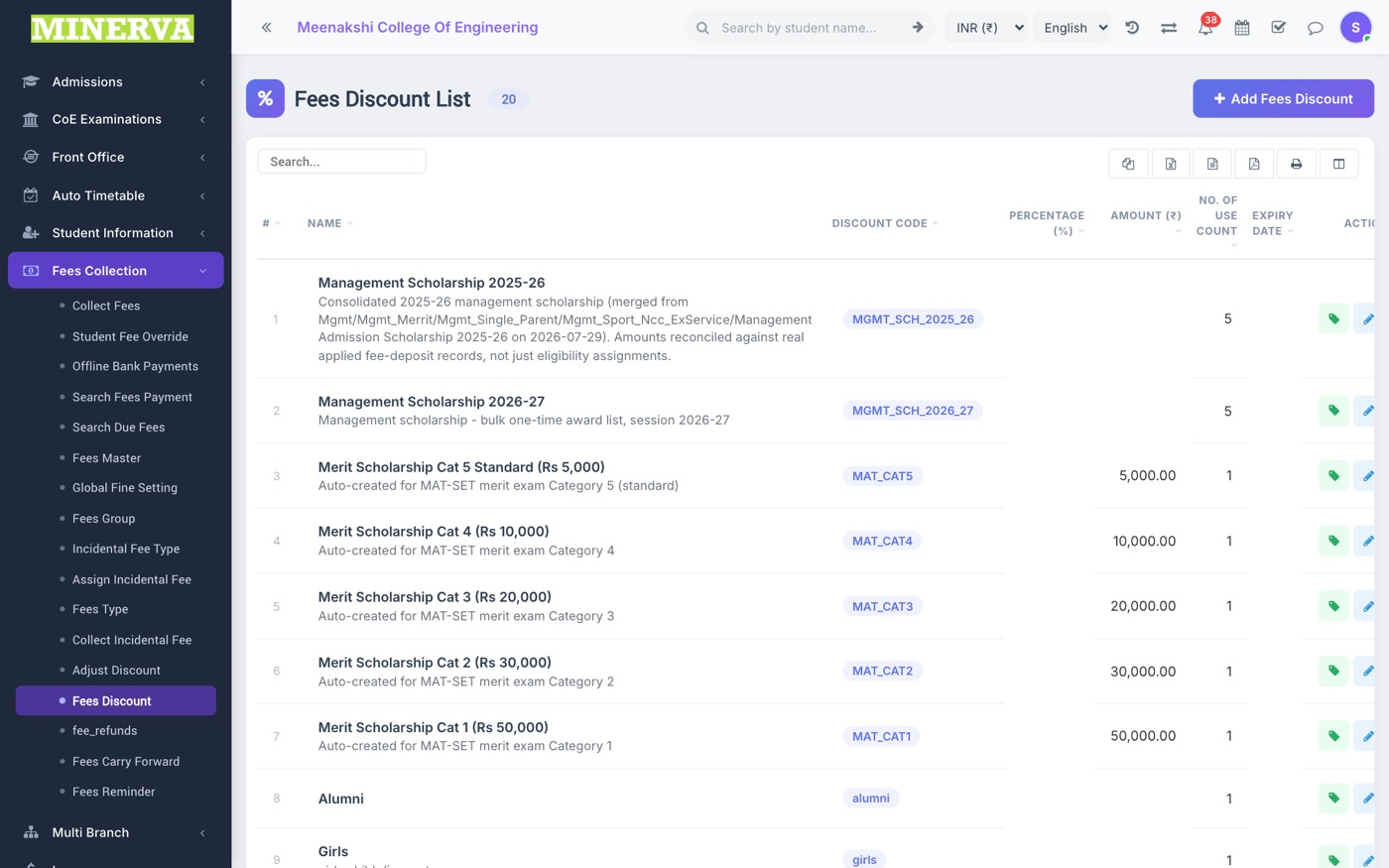
Named discounts (sibling, scholarship, staff ward…) that can be applied at collection time or in bulk.
- Create the discount with a fixed amount or percentage.
- Apply it per-student at collection, or use Adjust Discount for bulk application via CSV.
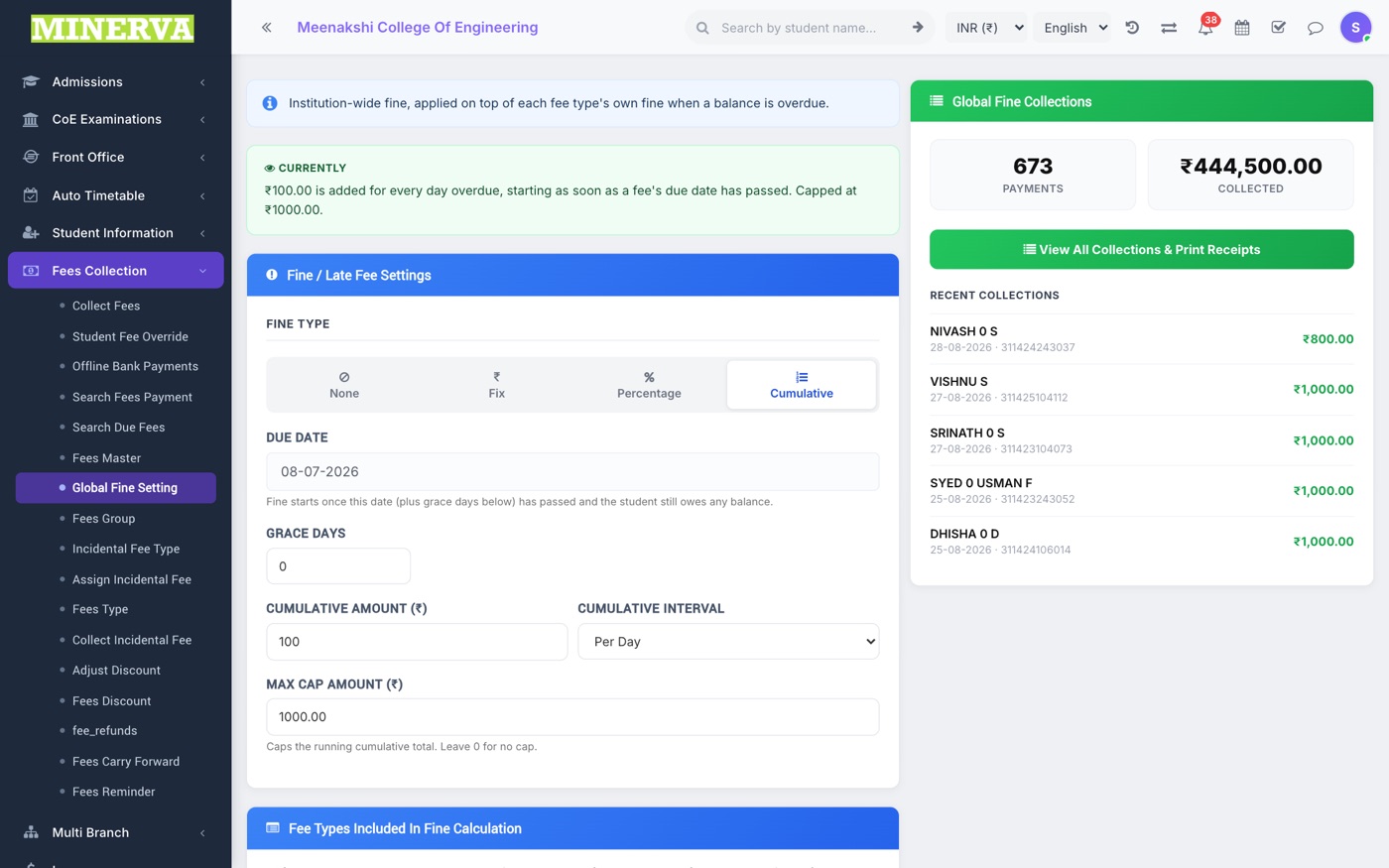
Global Fine Setting
One institution-wide late fine rule (fixed / percentage / cumulative) with its own due date, applied on top of per-fee fines.
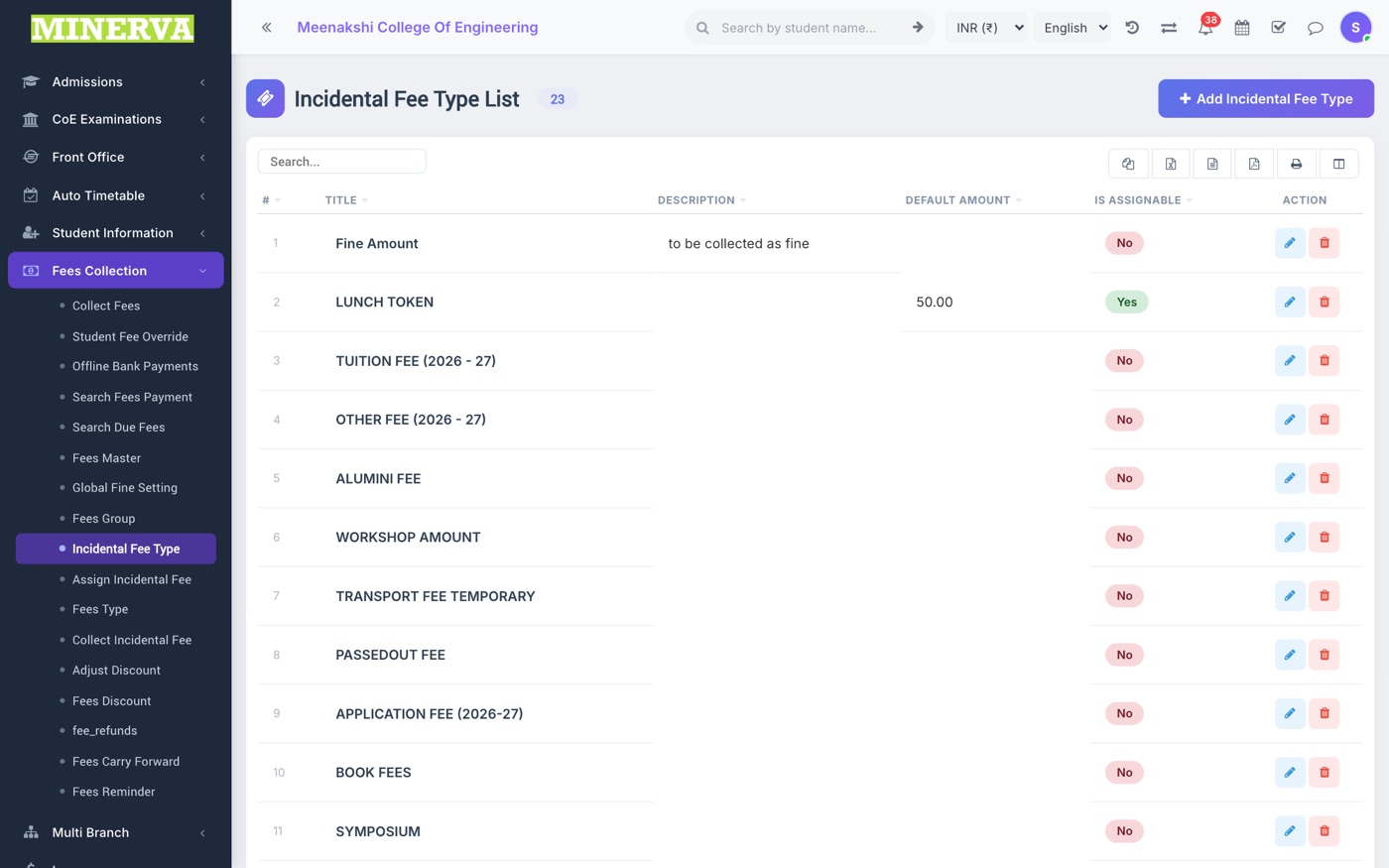
Incidental Fees
One-off charges outside the regular structure (application fee, duplicate ID card…): define types, assign to students, and collect.
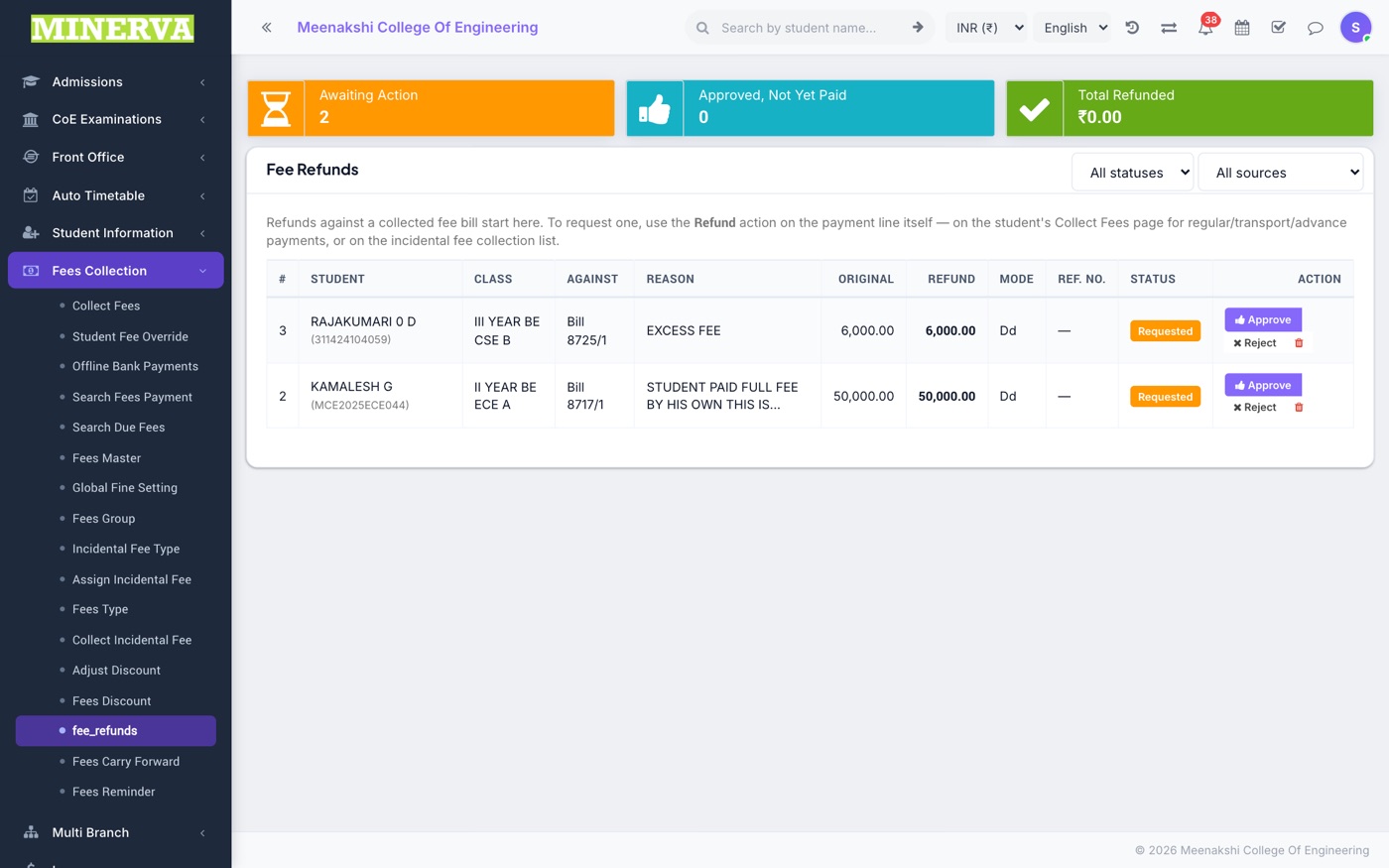
Fee Refunds
Refund a paid amount (regular, transport, or advance) — recorded as a negative ledger entry so totals stay honest.
- Pick the student and the paid fee, enter the refund amount and mode, and save.
- The fee statement and collection reports reflect the refund immediately.
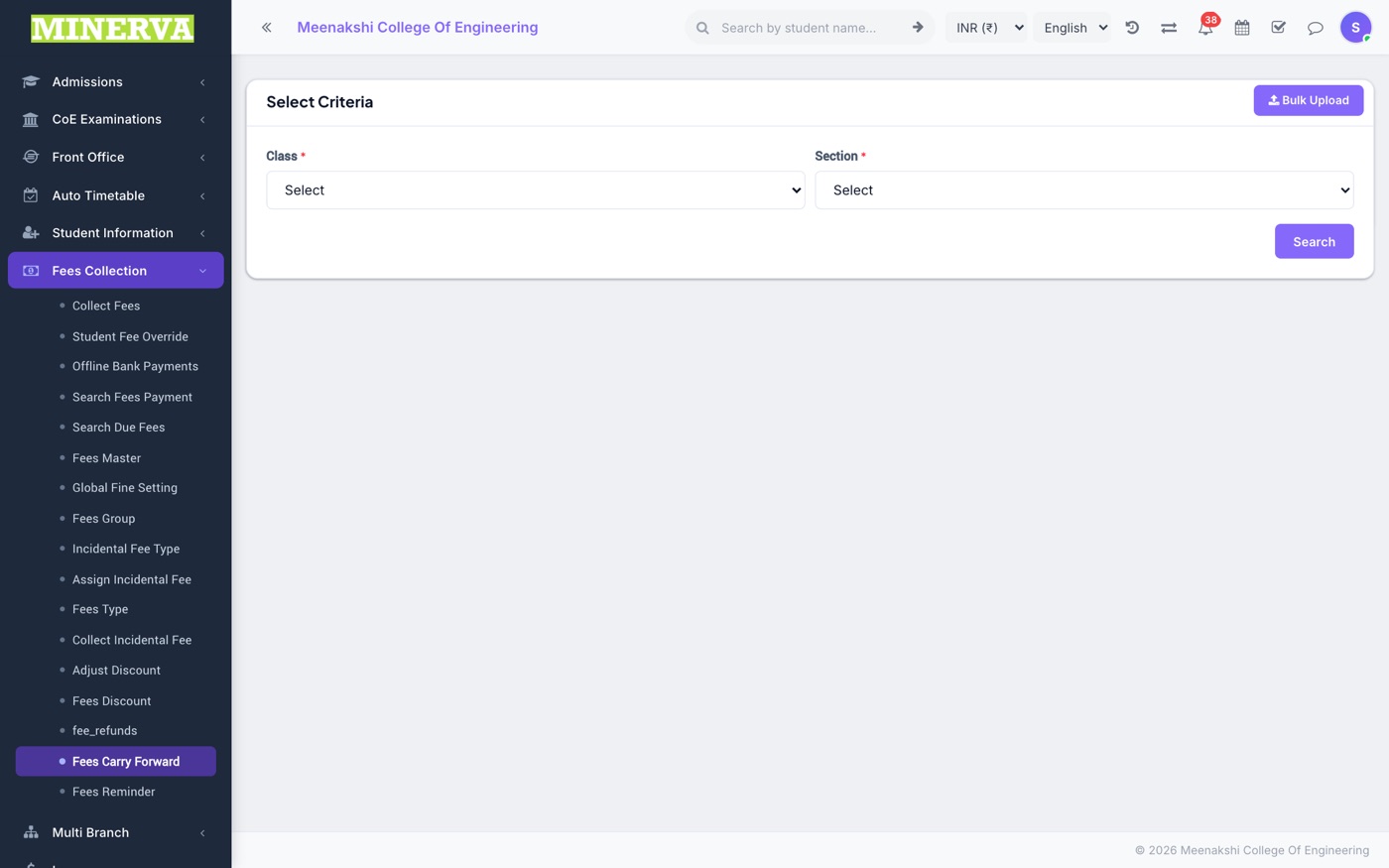
Fees Carry Forward
Move unpaid balances from the previous session into the current one as an opening due.
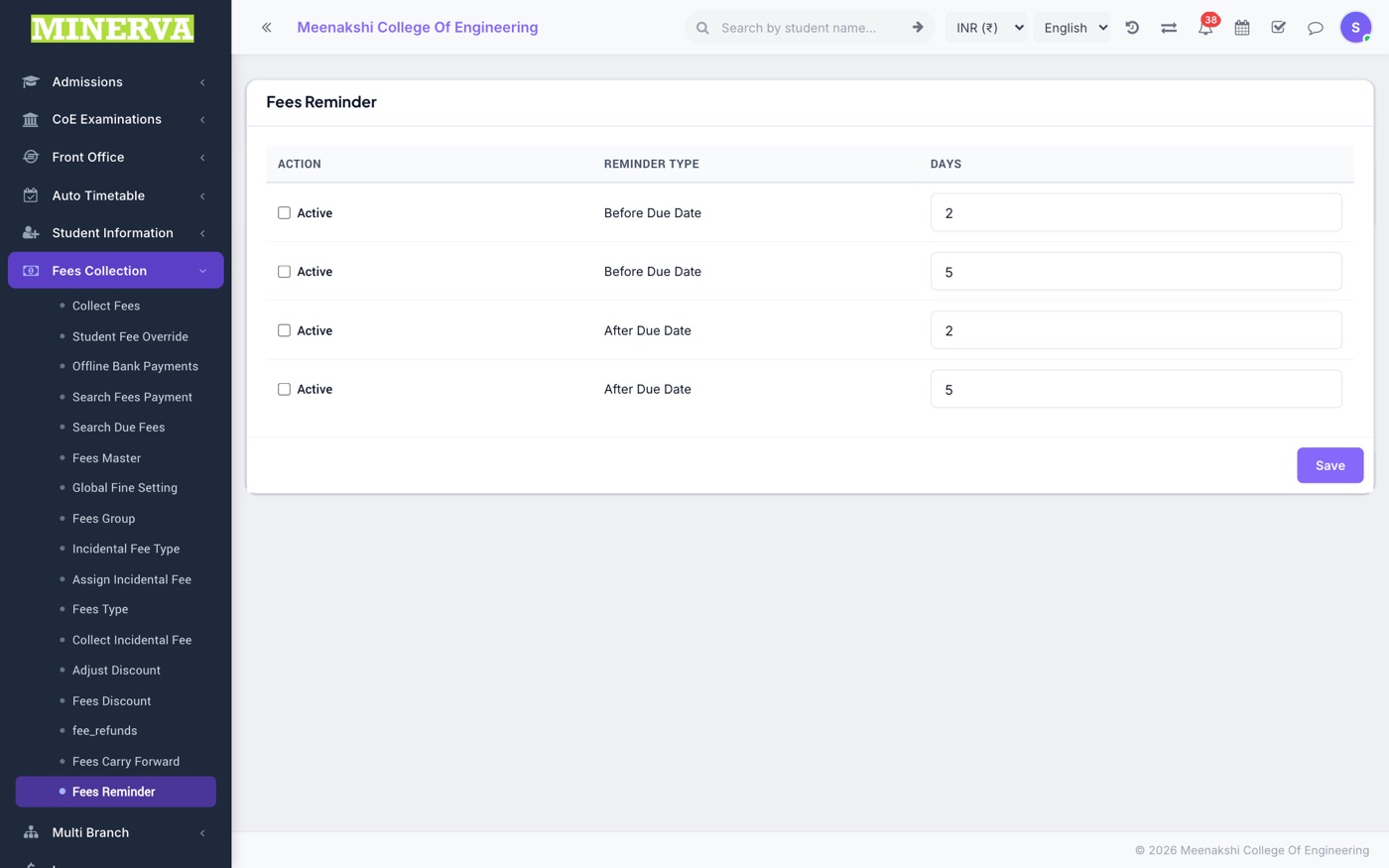
Fees Reminder
Automatic due-date reminders: set how many days before/after due date and the channels to use.
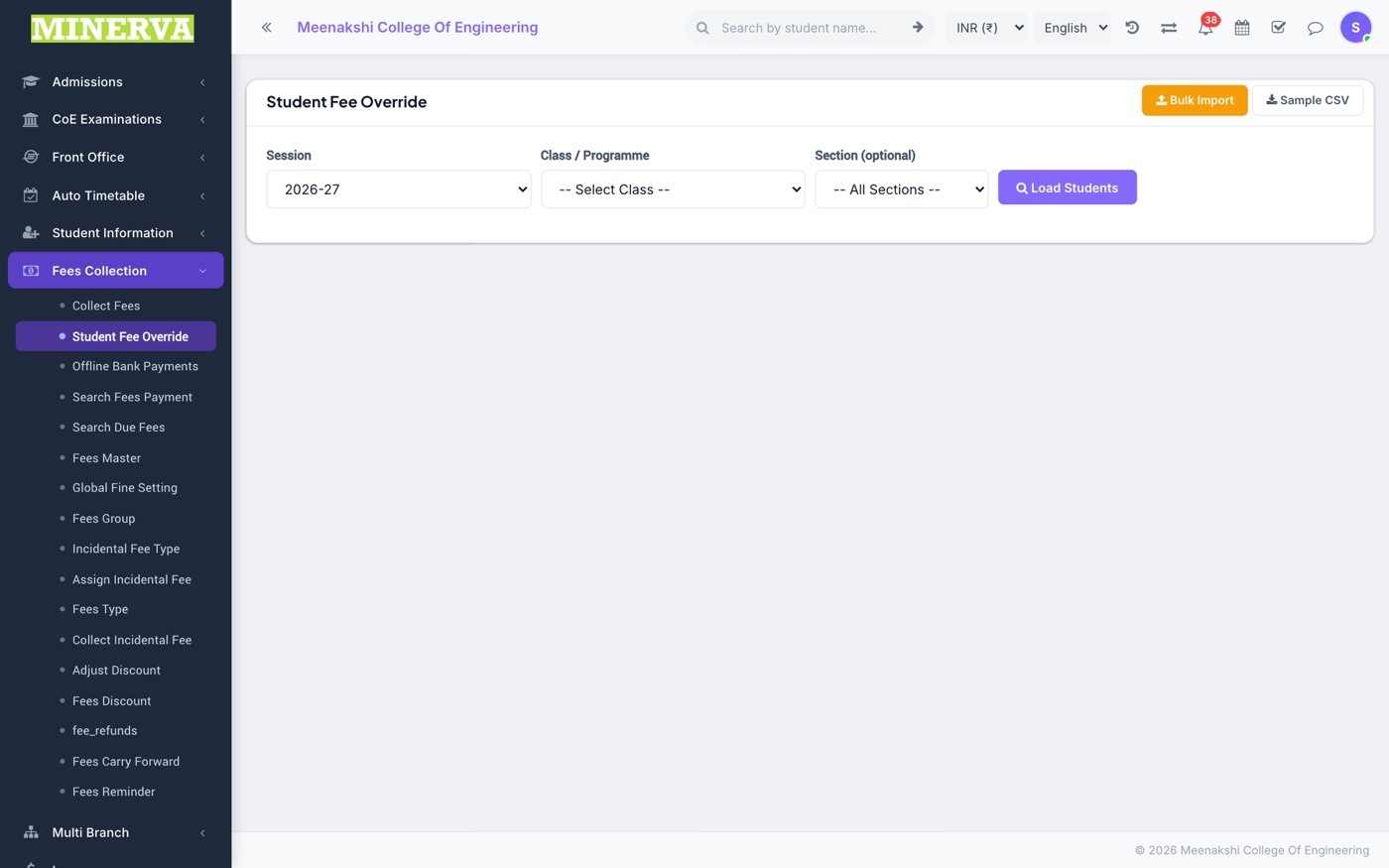
Student Fee Override
Set a per-student amount for any fee type that differs from the class master (e.g. a negotiated tuition amount).