Minerva · Staff Manual
Human Resource
Staff lifecycle: directory, attendance (manual + biometric), leave workflow with balances, payroll, ratings, and complaints.
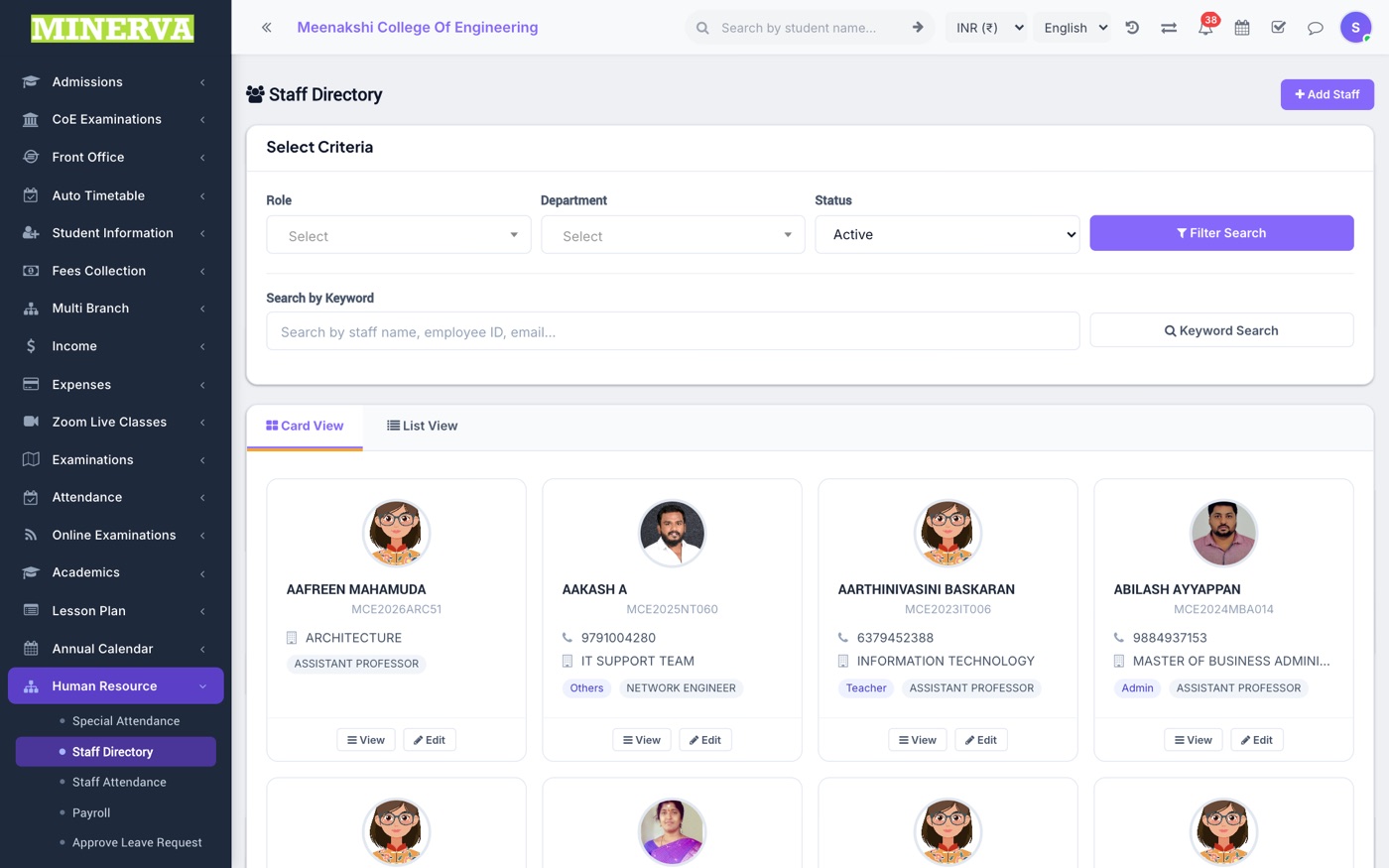
Staff Directory
All staff with role, department, designation.
- Press + Add Staff for the full joining form (personal, role & designation, payroll, bank, documents).
- Open a staff profile to edit, upload documents, set timeline events, or disable on exit.
Staff Attendance & Biometric
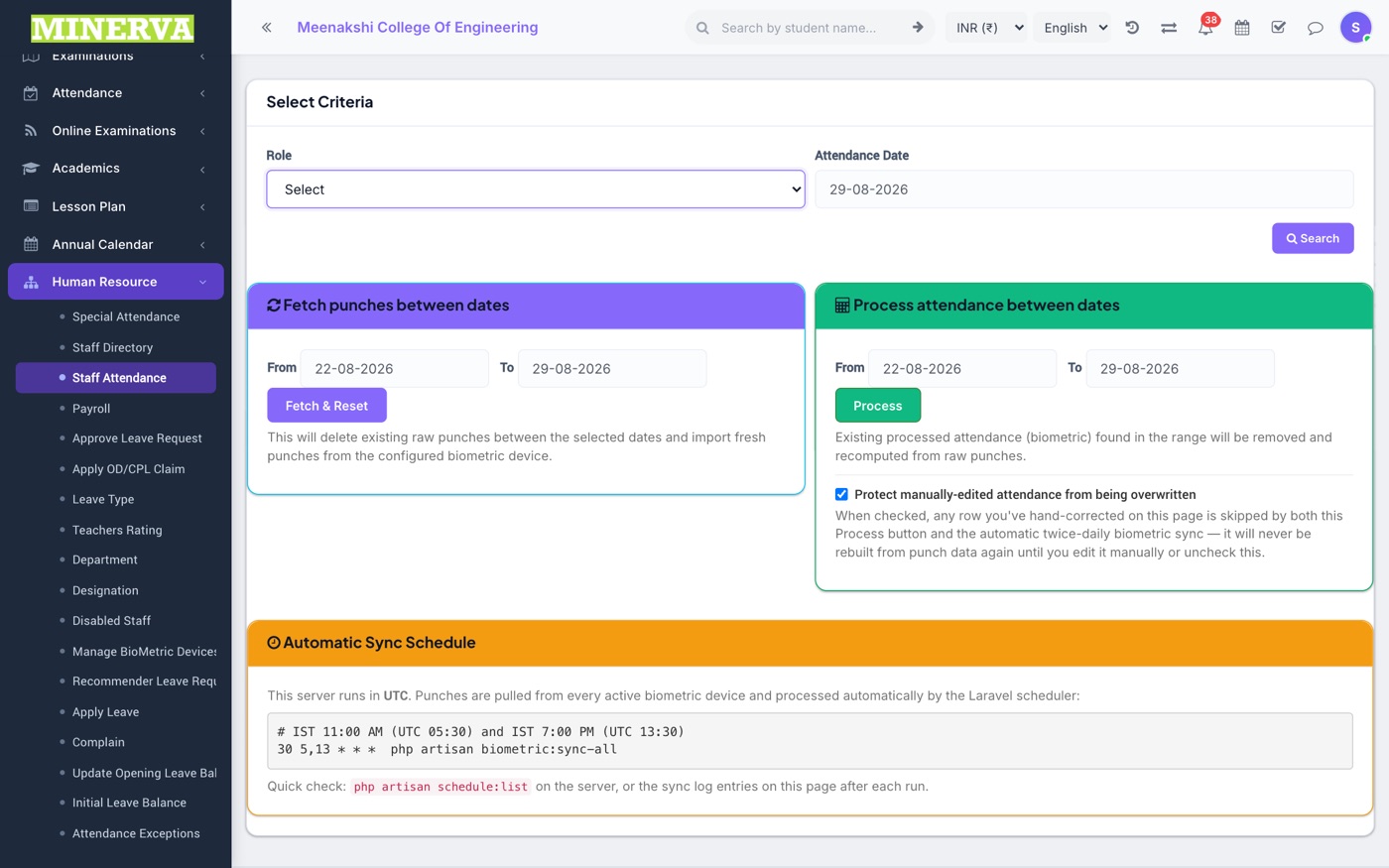
Mark staff attendance by date, or let the biometric integration fill it automatically; Special Attendance handles half-day/OD categories; Attendance Exceptions lists mismatches to fix.
Leave Workflow
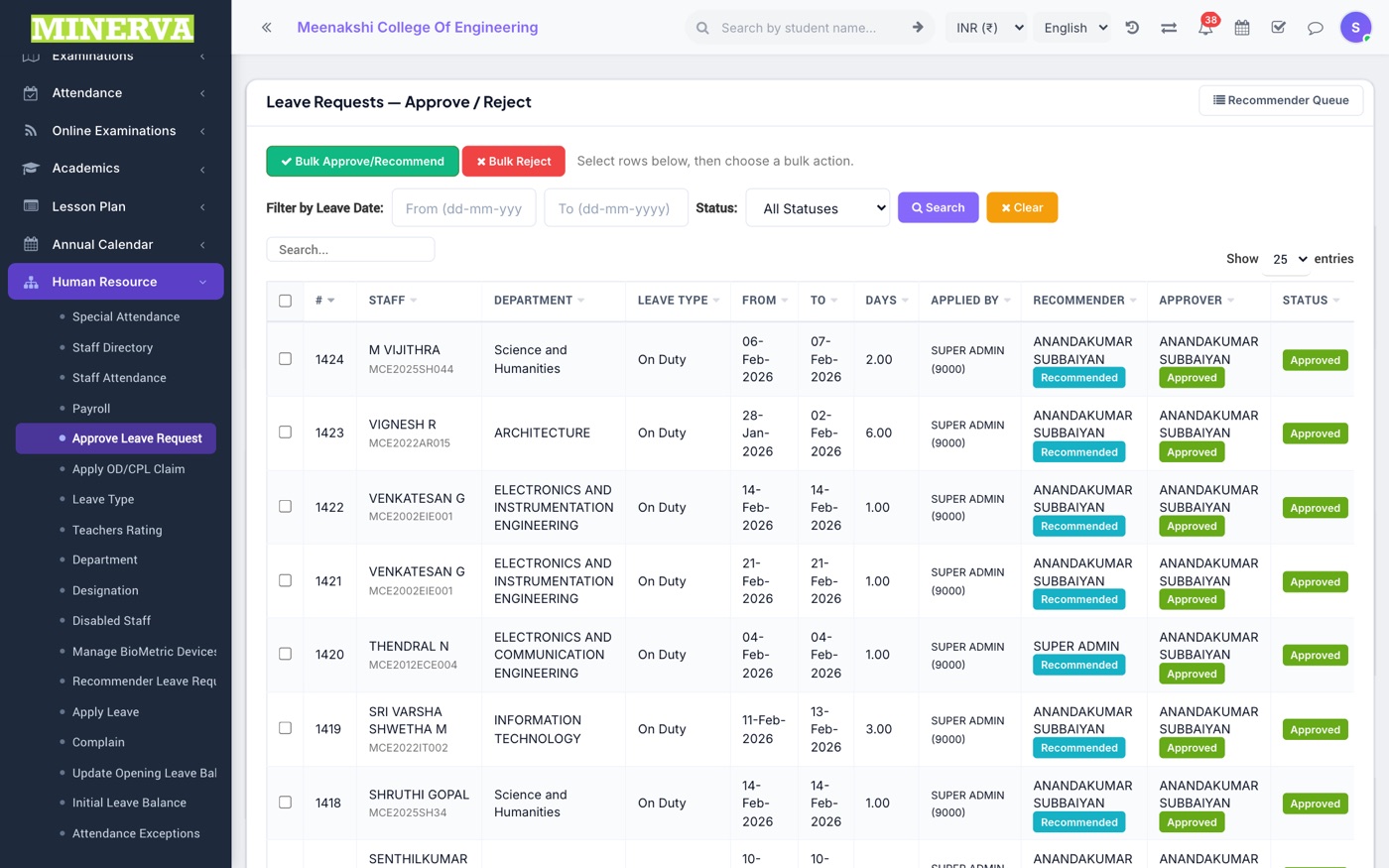
Apply Leave (self or on behalf), recommender step, and final approval — driven by Leave Types and per-staff balances.
- Staff apply from Apply Leave (or the app) choosing a leave type and dates.
- Recommenders see requests under Recommender Leave Requests; approvers finalise under Approve Leave Request.
- Balances start from Initial Leave Balance and can be adjusted under Update Leave Balance.
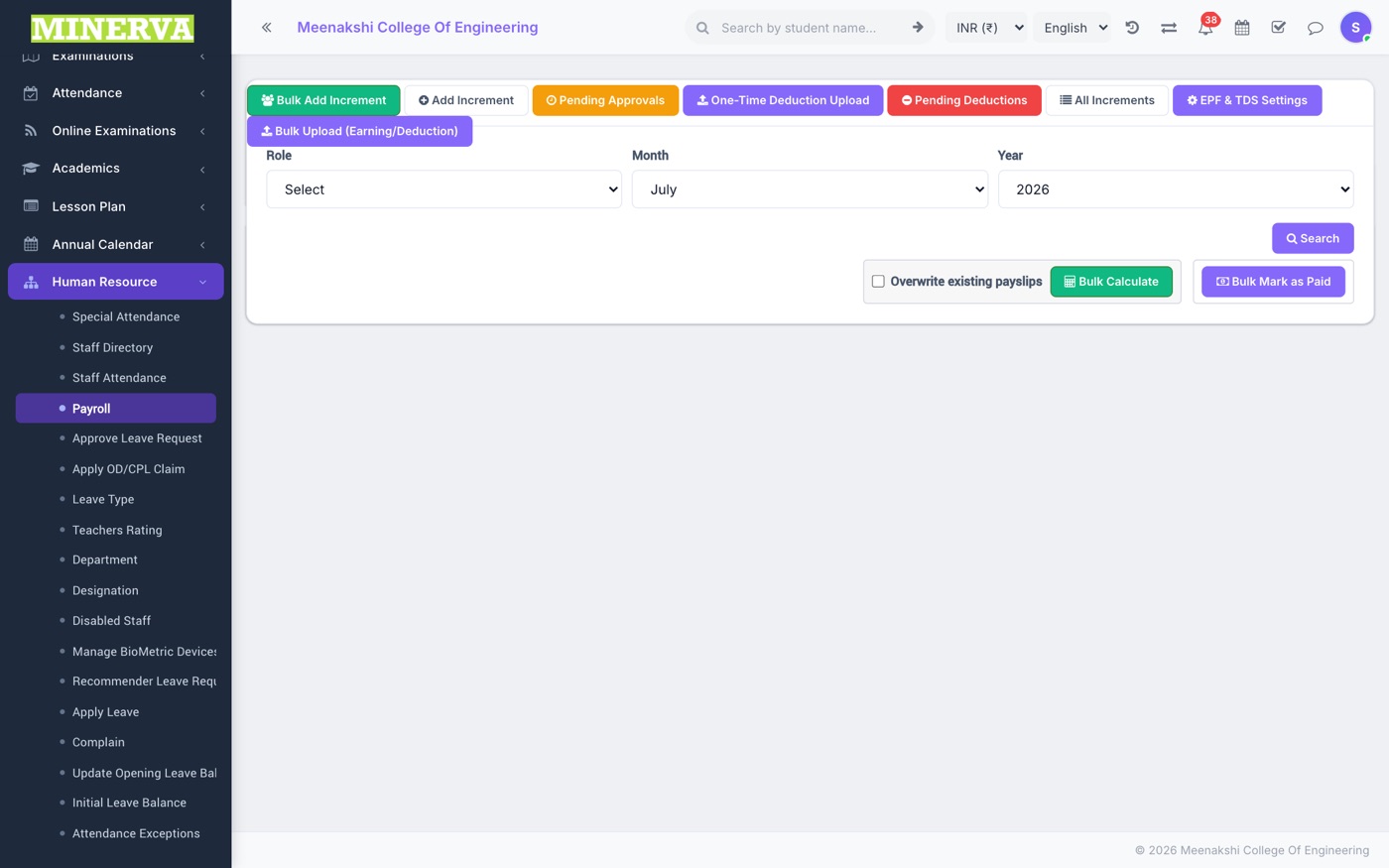
Payroll
Monthly salary processing: earnings/deductions, EPF/ESI/TDS, loss-of-pay from attendance, increments, and payslip generation.
- Generate the month, review each staff's calculated payslip, adjust one-time entries, then approve and pay.
- Payslips become downloadable by staff; registers feed the HR reports.
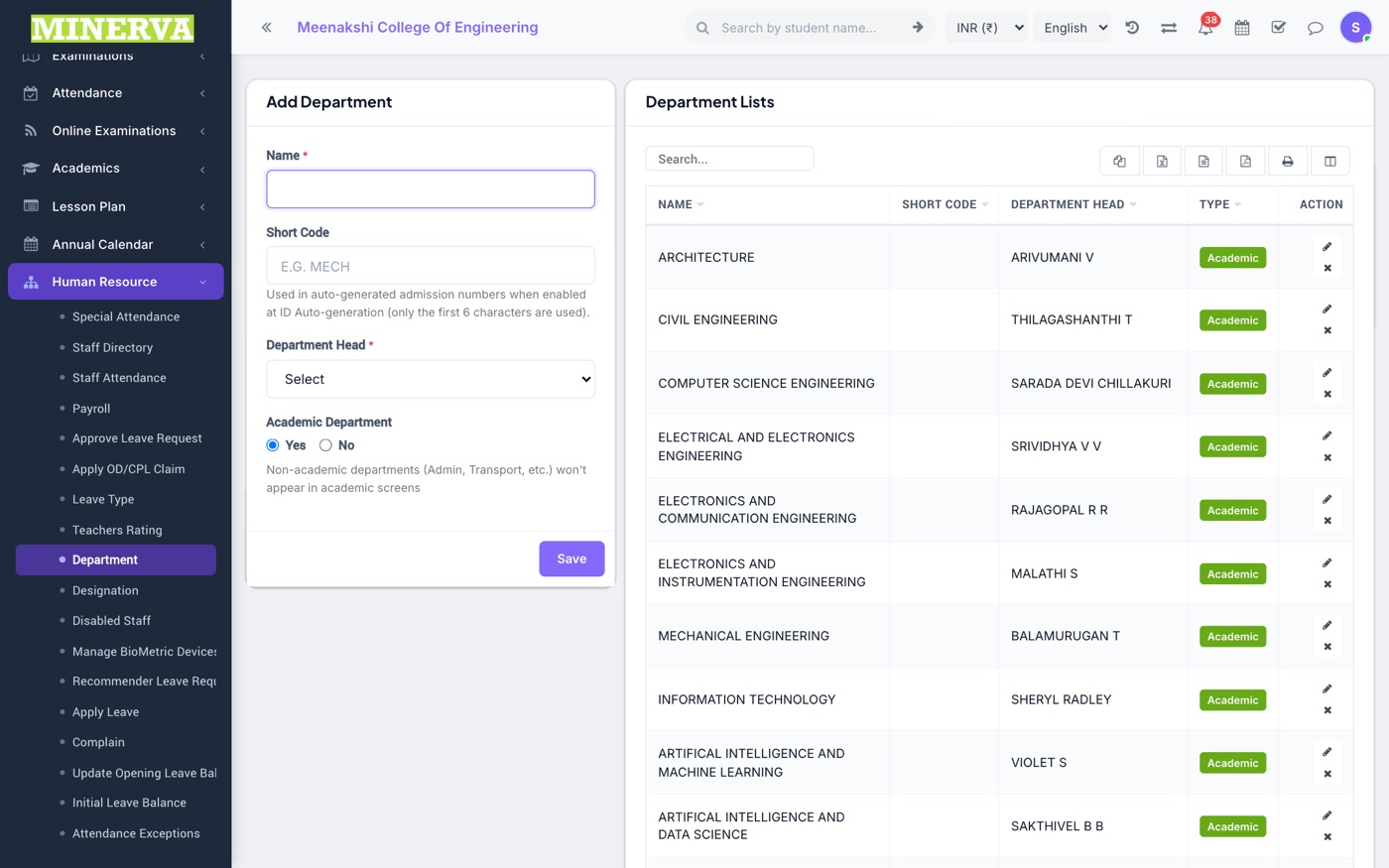
Department & Designation
Organisation masters — add/edit/delete.
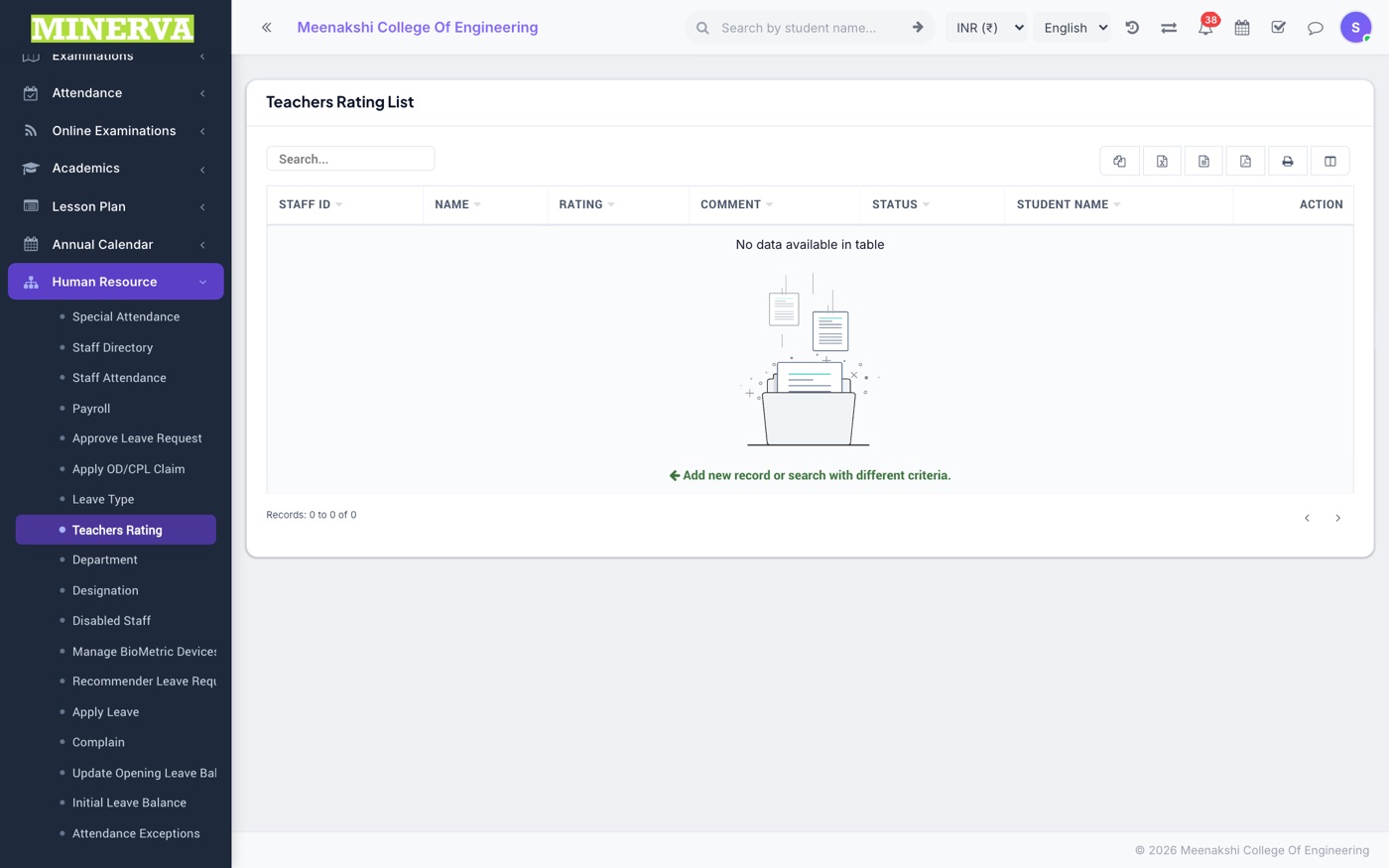
Teacher Ratings & Complaints
Student-submitted teacher ratings for review, and the staff complaint register.