Minerva · Staff Manual
Download Center
Share study material and recordings with students and staff.
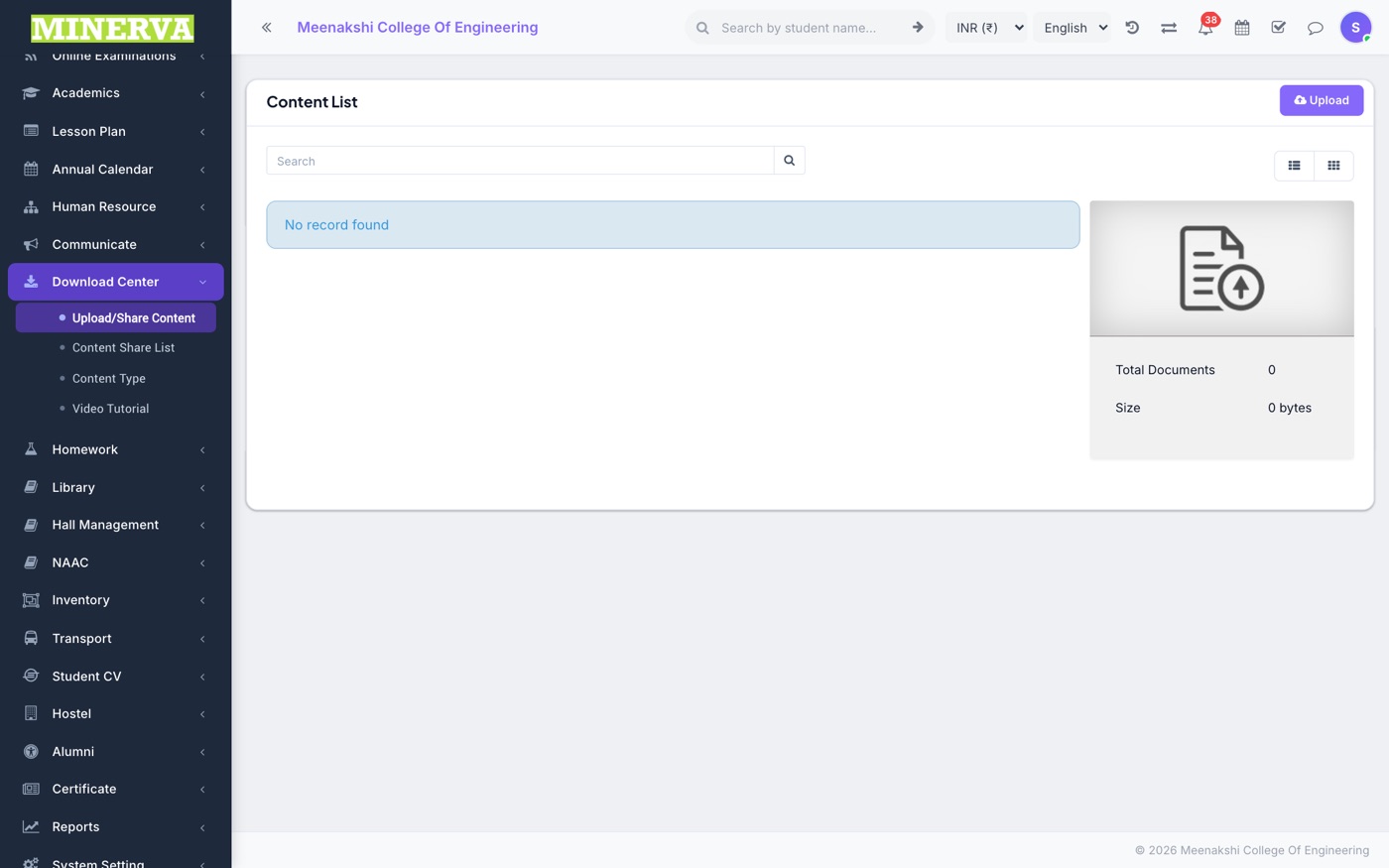
Upload / Share Content
Upload a file, classify it by content type, and share to classes or staff.
- Choose type, audience (class-sections or staff), attach the file, and save.
- Recipients find it in their own Download Center; manage everything from Content Share List.
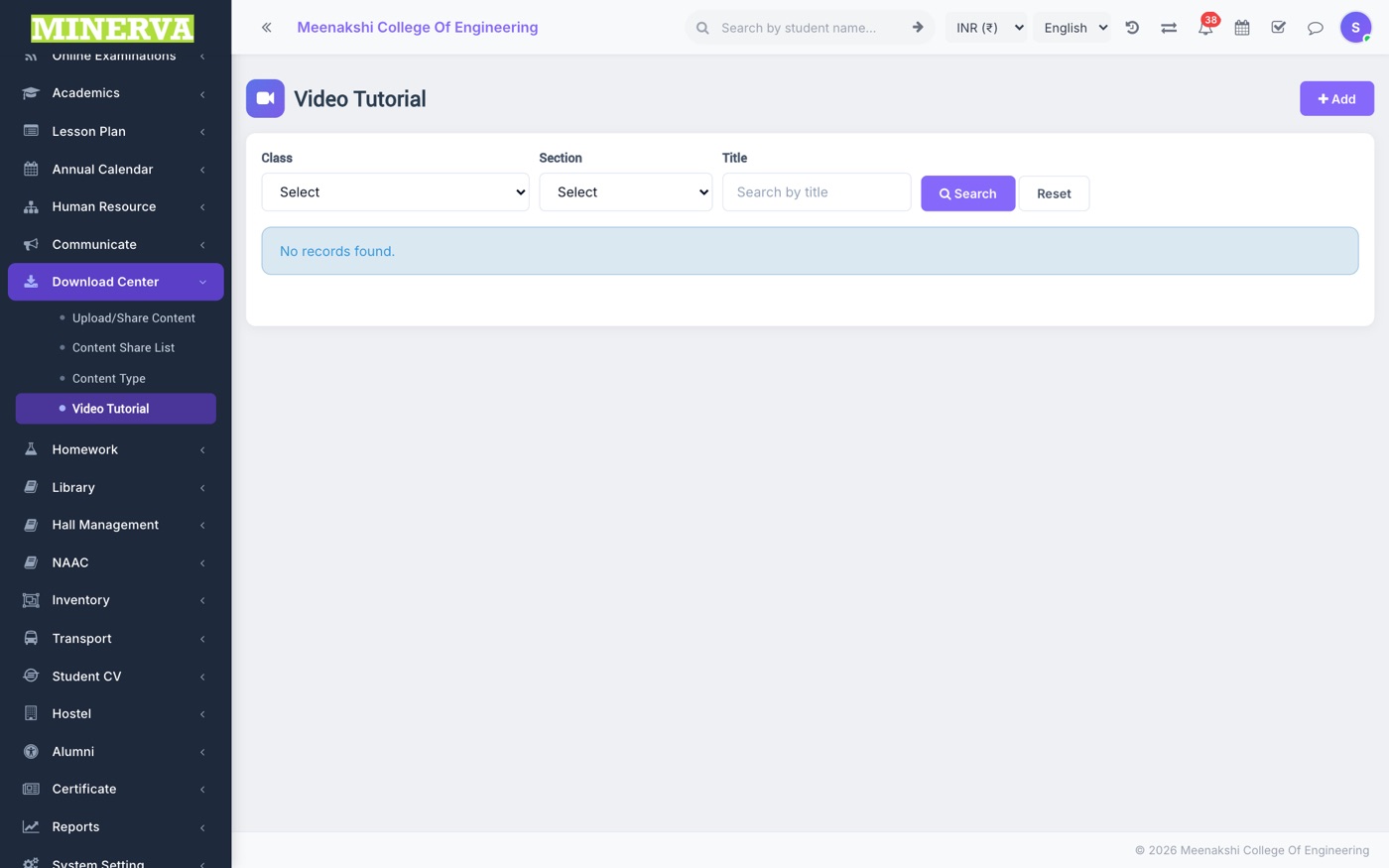
Video Tutorial
Share video lessons (uploads or YouTube links) to class-sections.
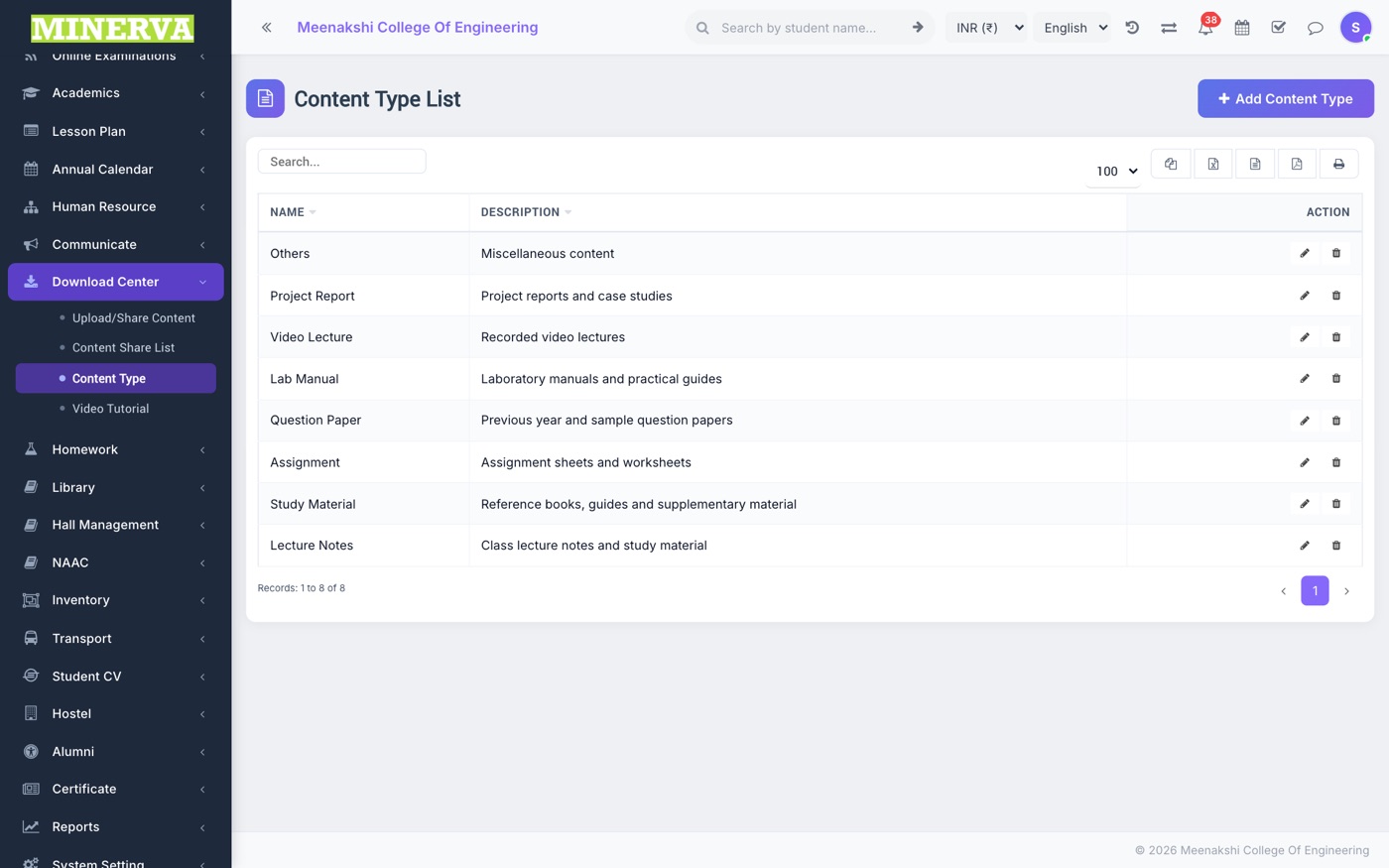
Content Type
Categories for the content library — add/edit/delete.