Minerva · Staff Manual
Online Examinations
Computer-based tests taken by students on the portal or mobile app, backed by a reusable question bank.
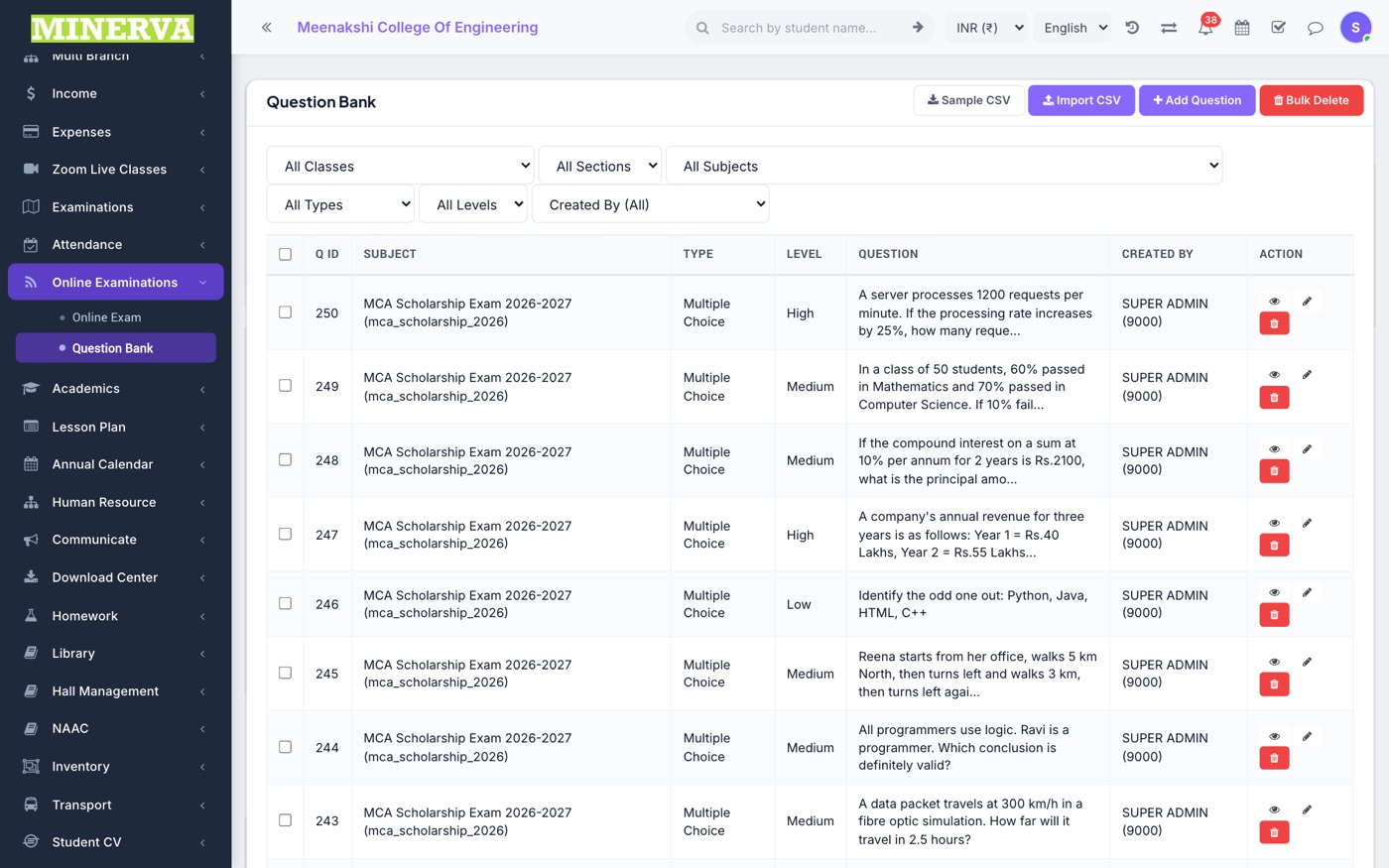
Question Bank
Reusable questions by class, subject, and type (MCQ, true/false, descriptive).
- Press + Add, choose the type, enter the question, options, and correct answer.
- Import in bulk or edit/delete from the list.
Online Exam
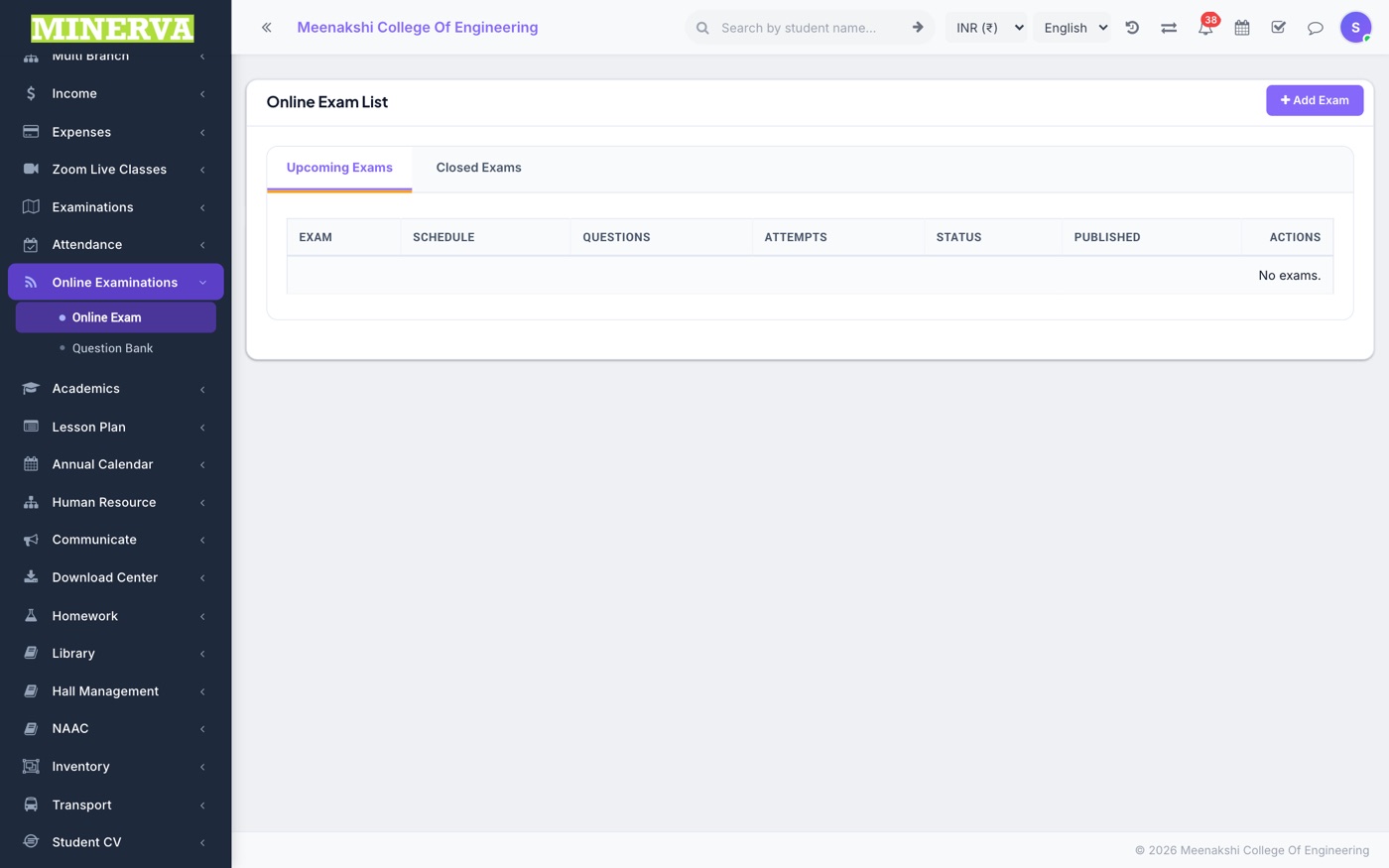
Create and publish an exam from question-bank questions.
- Press + Add: name, class-section, date window, duration, and marks.
- Open the exam → Add Questions from the bank, assign students, and Publish.
- After the window closes, evaluate descriptive answers (MCQs auto-score) and publish results.